Customer Email Check#
When a billing request has customer details captured — via a linked customer record, prefilled data, or a payer who has already started the flow — GoCardless shows an email verification prompt when the authorisation link is opened.
This prevents a common issue where merchants mix reusable payment links with individual authorisation links, causing customers to inadvertently complete someone else's billing request.
How it works#
When the authorisation link is opened:
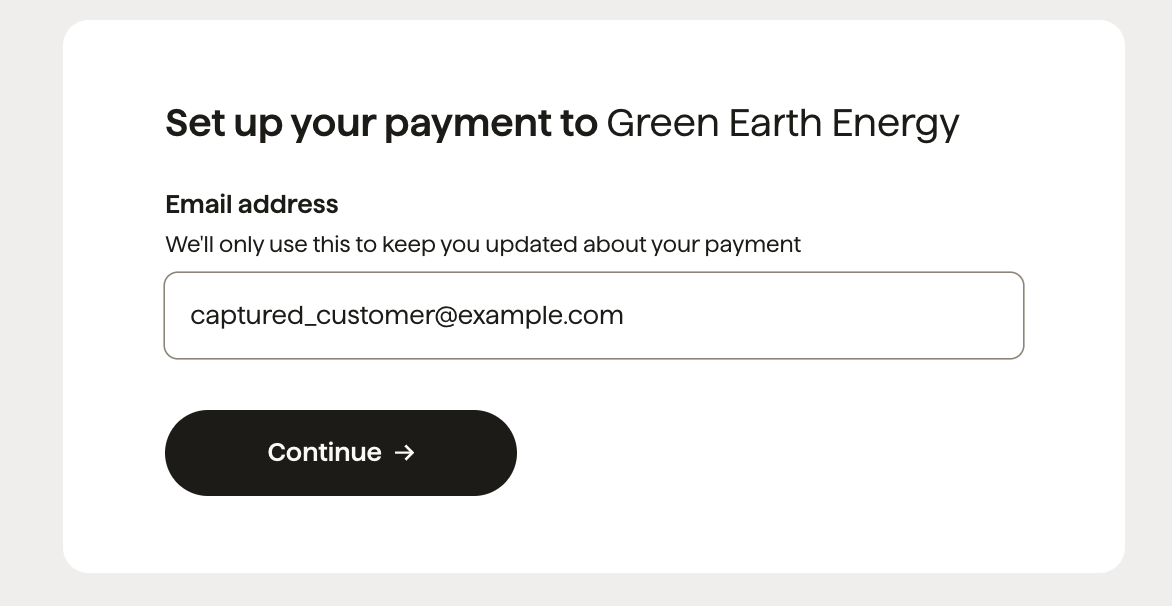
- The payer is prompted to enter their email address.
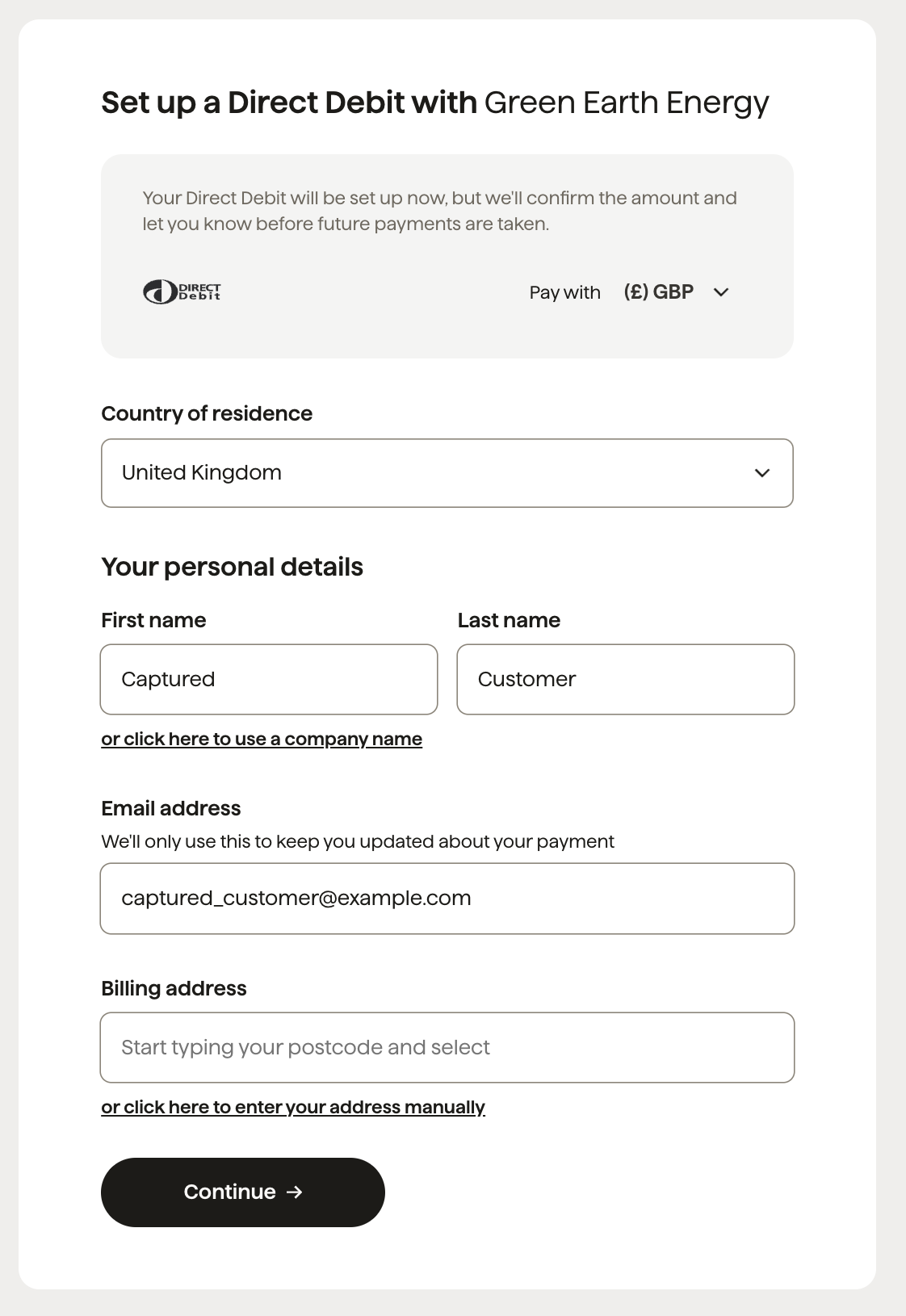
- If the email matches the captured email — the payer proceeds with the current billing request flow.
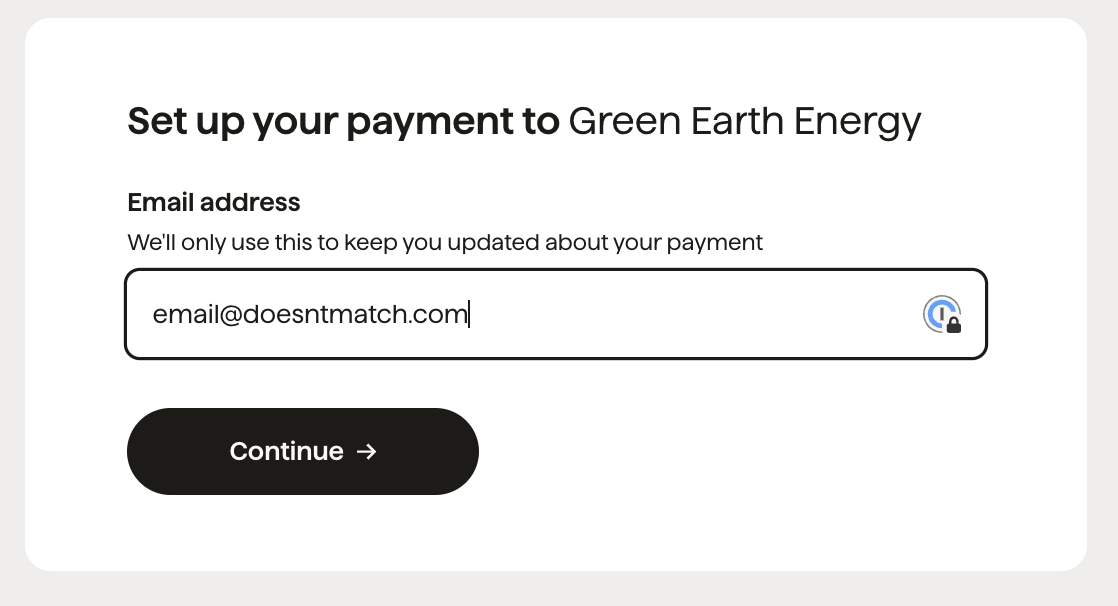
- If the email does not match — GoCardless attempts to generate a new authorisation link (possible when the billing request was created from a pay link or plan link) and redirects the payer to a new, empty flow.
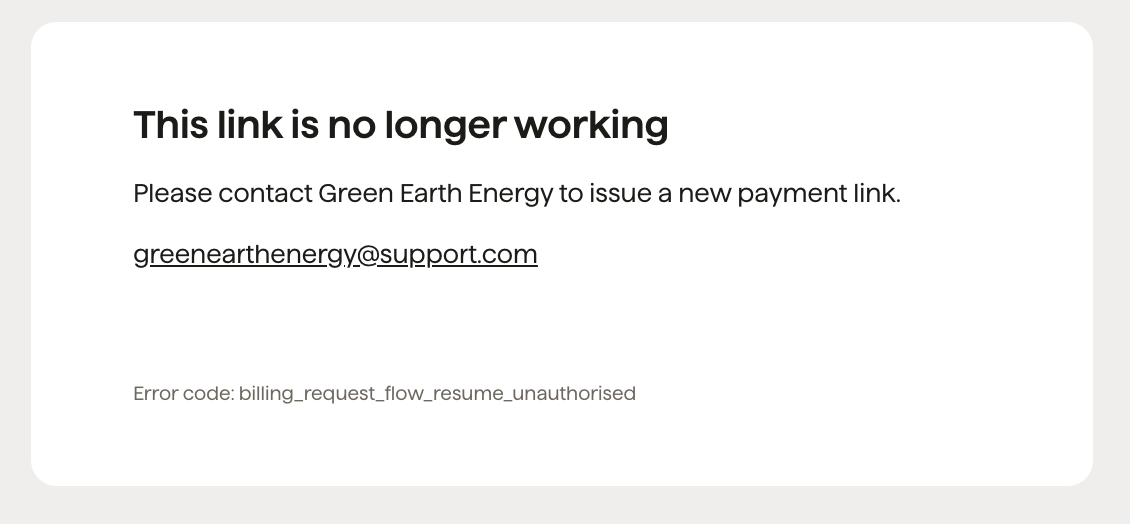
- If a new link cannot be generated — an error page is shown.
If no customer details are captured on the billing request, the email check is skipped and the flow proceeds as normal.
Happy path: email matches#
The payer enters the email matching the captured one and proceeds with the existing flow.
Happy path: new flow generated#
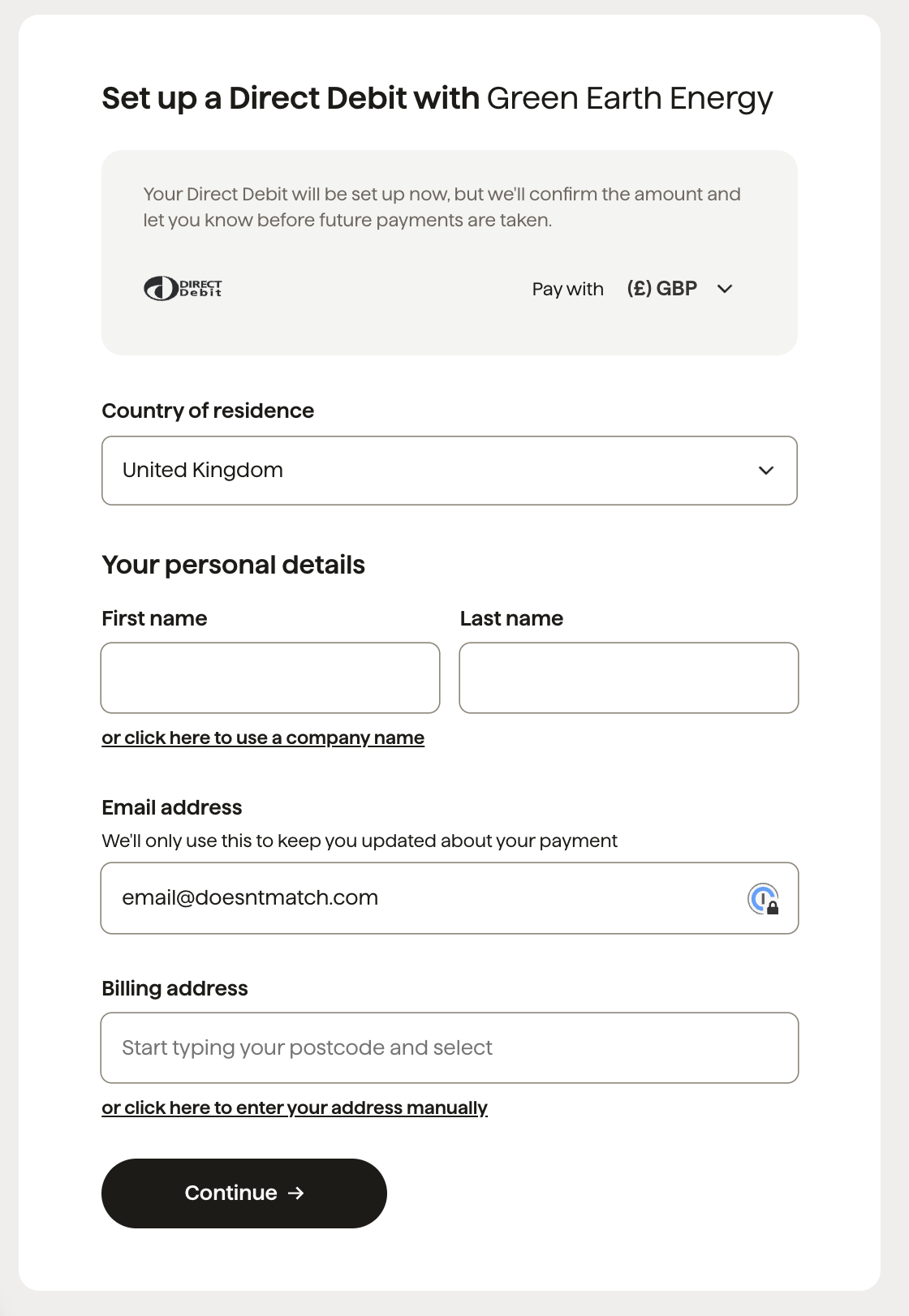
The payer enters an email that does not match. GoCardless generates a new authorisation link and redirects the payer to a fresh, empty flow.
This is possible when the billing request was created from a pay link or a plan link.
Unhappy path: new flow cannot be generated#
The payer enters a non-matching email but the billing request was not created from a pay link or plan link — so a new link cannot be generated automatically. An error page is displayed.