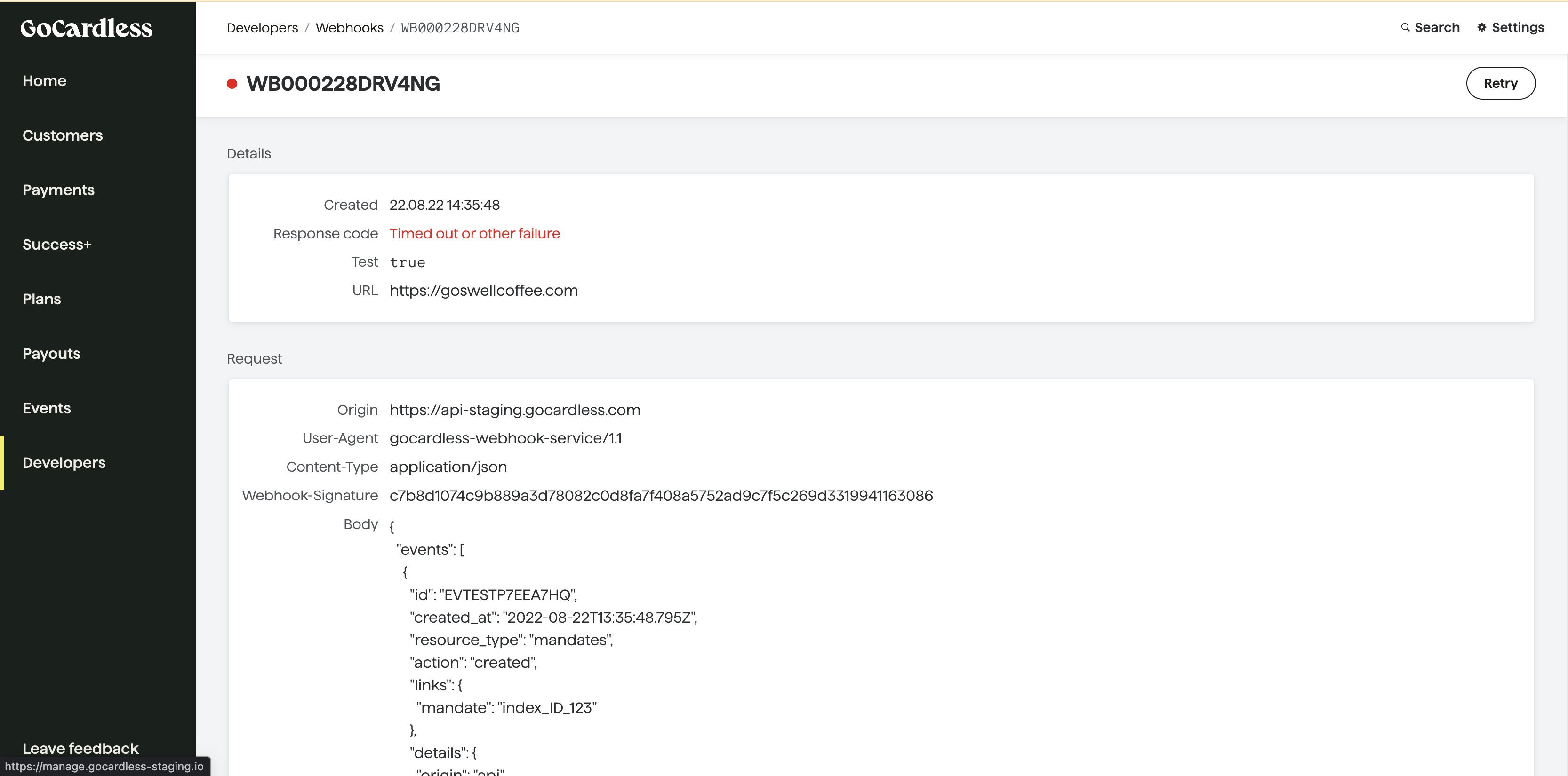
Testing Webhooks (Dashboard)#
Adding support for webhooks lets you receive real-time notifications from GoCardless when things happen in your account, so you can take automated actions in response.
When building your integration, you'll want to receive realistic webhooks to test how your code responds.
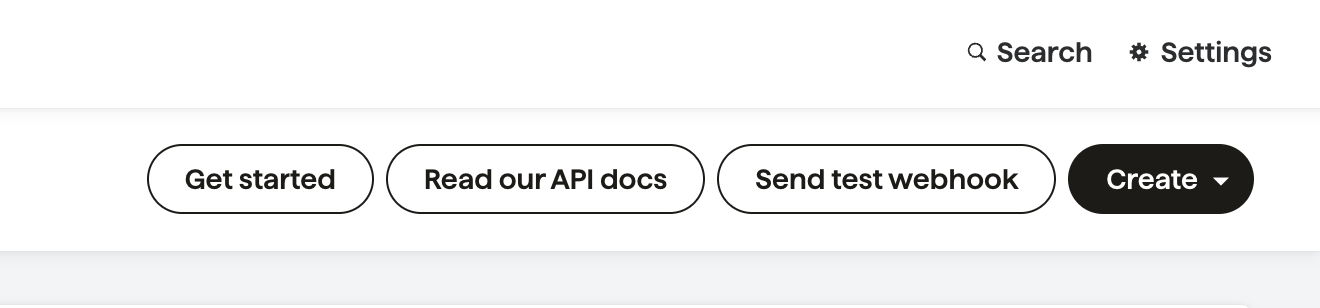
You can trigger webhooks using scenario simulators, or with the Send test webhook tool on your Developers page in the dashboard.
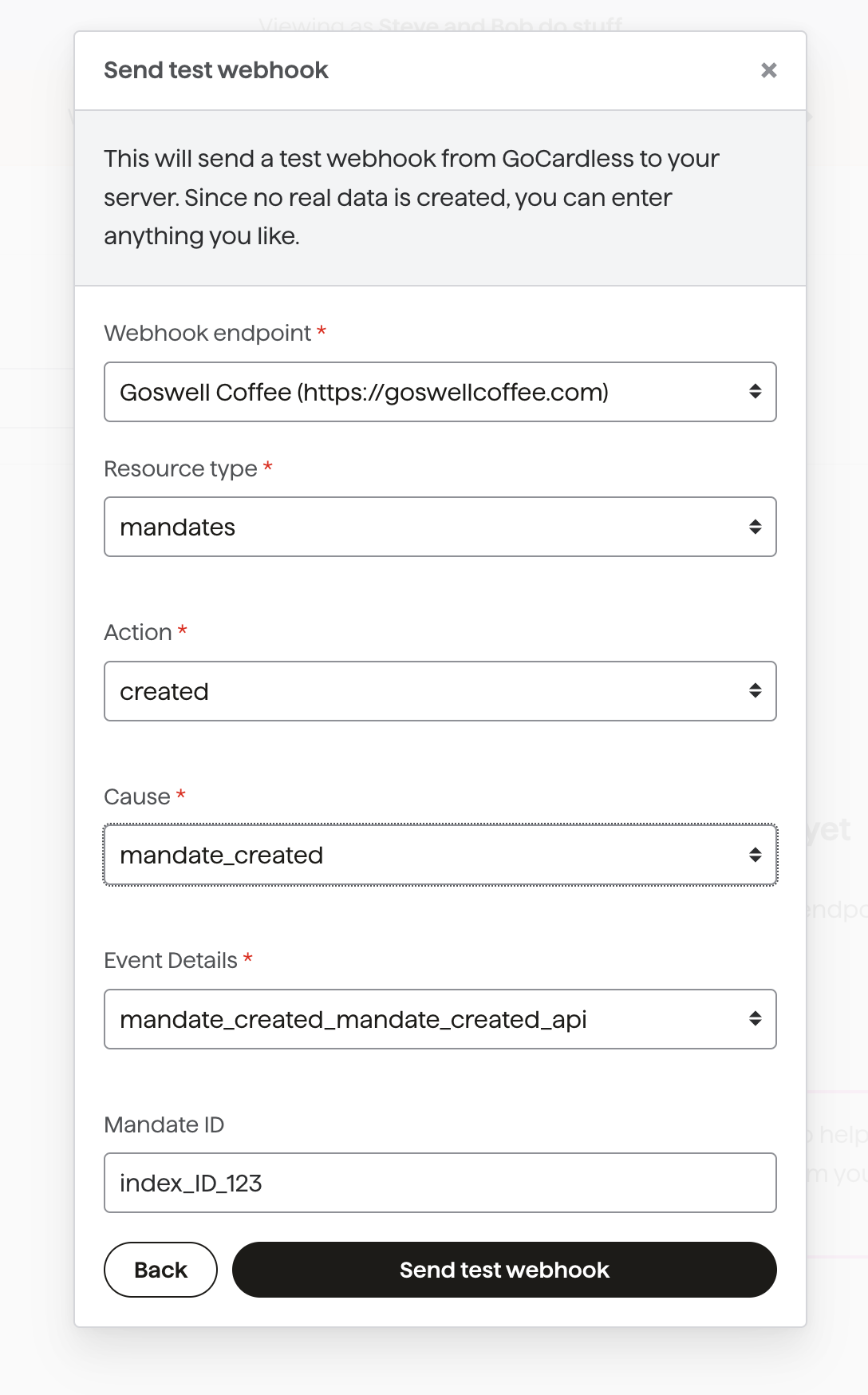
Customise your webhook by selecting an endpoint and setting the resource type, action, cause, event details, and associated ID.
Click Send test webhook — it usually arrives within a few seconds. Refresh the page and the webhook will appear in your list.
Click on a webhook to inspect the full request and your response. This is useful for debugging.